

Video
What a motion tool actually needs to do to footage: follow something in it, retime it, caption it, and recut it for every aspect ratio.
Download PremationFree, AGPL-3.0-only, for Windows, macOS and Linux
What you can do
11 capabilities. 5 are marked limited or missing, and say why.
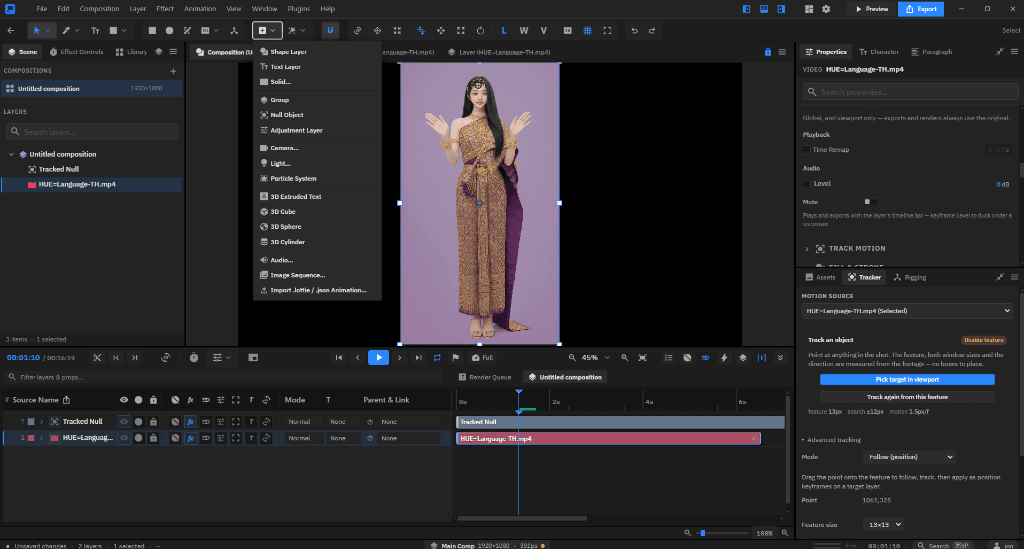
- One-click motion tracking
- Click the thing you want followed; feature choice, window sizes and search radius are measured from the footage. Tracks both directions from the playhead; rotation and scale ride on a companion point.
- Stabilization
- The same tracker run in reverse: steady a shot instead of following it.
- Planar and corner-pin tracking
- Drag four corners onto a plane, or track a dense grid of features inside it and fit the plane by RANSAC so partial occlusion cannot drag it. Apply as a corner pin or mesh warp, or create nulls per plane.
- 3D Camera TrackerLimited
- Structure from motion with bundle adjustment from tracked features, falling back to a planar pose when the points are coplanar. The solve is sparse, and it is newer than After Effects' camera tracker, so expect it to trail on difficult footage.
- Roto Brush and Object MatteLimited
- Paint on the subject and a neural segmentation model that ships with the app cuts it out. By default the Roto Brush runs that model on every frame forward or back, with a soft matte, edge refinement, decontamination and chatter reduction; a classic mode carries the outline by colour and motion instead. Freeze locks the result. Expect it to trail After Effects' Roto Brush 3 on difficult footage.
- Face trackingLimited
- Track a face as an outline or as detailed masks and nulls. The landmark model downloads on first use.
- Content-aware fillLimited
- Window ▸ Content-Aware Fill: Object, Surface and Edge Blend methods, lighting correction and painted reference frames, filled across frames in both directions. Classical patch matching rather than generative.
- Speed ramps
- Ease into 25 / 50 / 200% or a freeze at the playhead — two exact keyframes on an editable curve, on video, audio and pre-comps. Slowing turns on Pixel Motion blending.
- Captions
- Import .srt/.vtt or generate from the composition's audio. Every caption is an ordinary text layer whose clip bar is its cue window; export reads the bars.
- Auto-reframe
- Retarget to 9:16, 1:1, 4:5, 16:9 or 4:3 — a new comp instancing the original, subject-following pan, hard jumps at cuts.
- Multi-track editingNot in it
- Not a goal. Cut long-form in an NLE and bring the finished sequence in as footage.
Read further
The documentation for this area, in the order it is worth reading.